What is the fastest way to give a dot an email address?
Ask your dot to get an AgentMail address, approve the AgentMail connection when it asks, and it creates its own inbox in about a minute. No API keys, no code. Then use the six prompts below to put the inbox to work.
OpenAI launched dots on September 29: always-on agents that live in ChatGPT and keep working after you close the tab. A dot can browse, build, and connect to thousands of apps, but out of the box it has no address of its own on the internet. Give it an email address and it can sign up for services, contact businesses on your behalf, and run an inbox around the clock. The fastest way is AgentMail. You ask your dot to get itself an address, approve the connection, and it handles the rest. This guide walks through setup, then six prompts that put the inbox to work.
On this page
- What is a dot?
- How do I give my dot an email address?
- Can I choose the email address?
- What can my dot do with its own inbox?
- Why not just connect Gmail?
What is a dot?
Dots are OpenAI's autonomous agents, rolling out to ChatGPT Pro and Business Premium users. Each dot runs on its own cloud computer, works toward your goals in the background, and checks in with updates or questions. You talk to it in ChatGPT, Slack, or Teams. The first dot is included with eligible plans. What a dot does not come with is an identity of its own. It acts on the internet, so it needs an inbox that belongs to it, not to you.
How do I give my dot an email address?
-
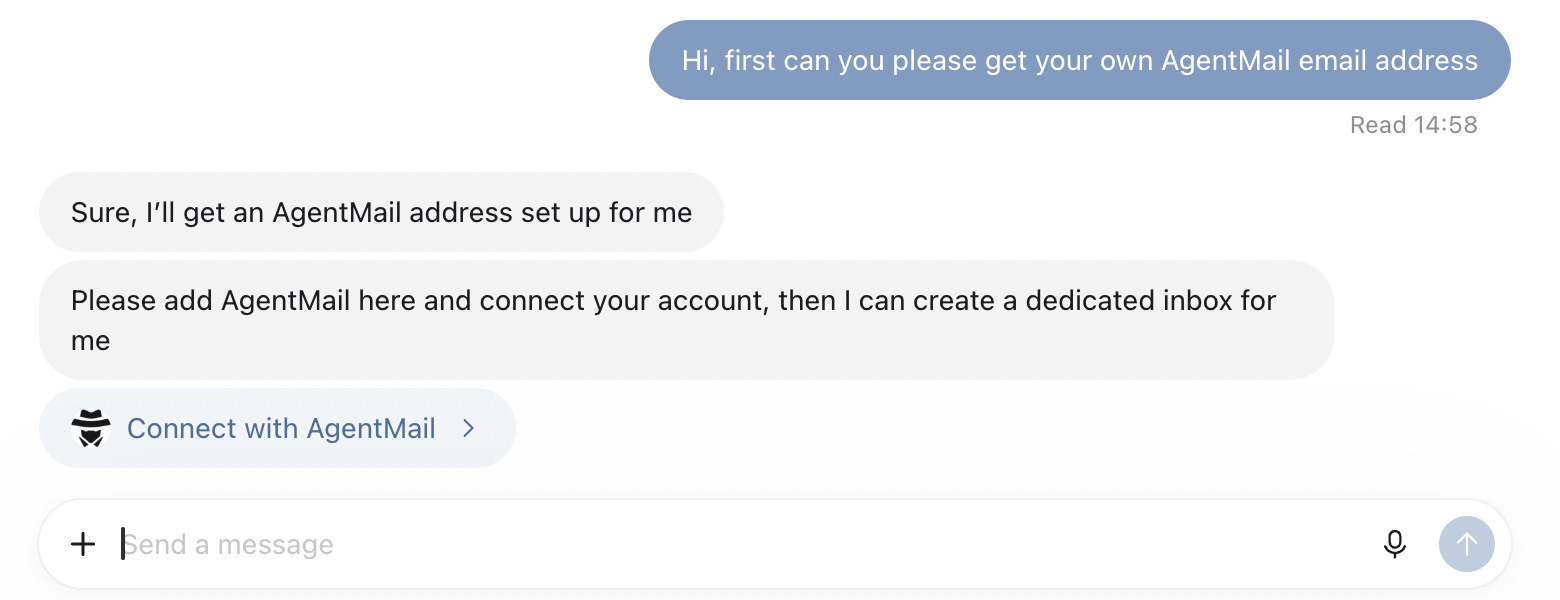
Ask your dot: "Can you please get your own AgentMail email address"
-
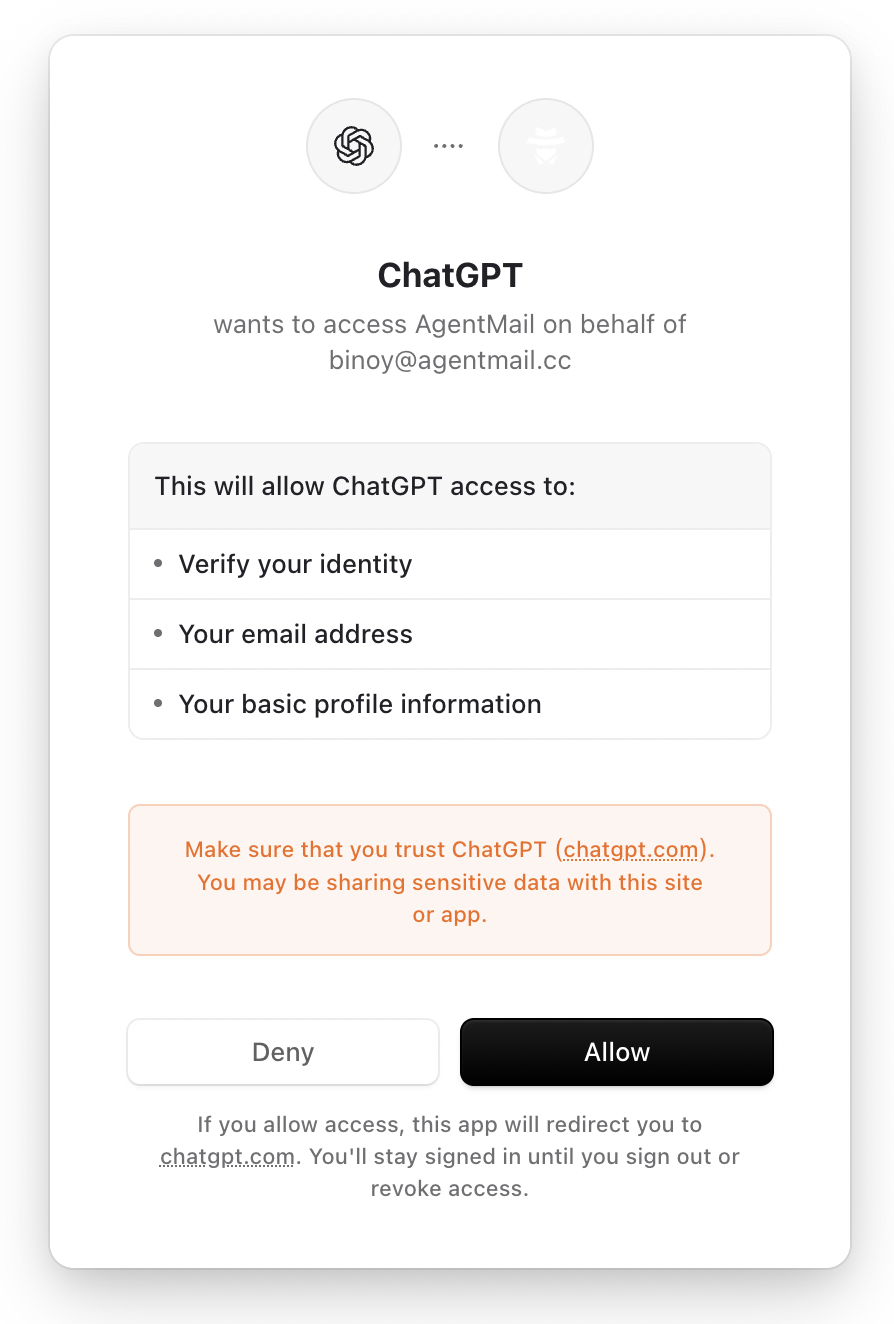
Your dot will ask you to add AgentMail and connect your account. Approve the connection. If you do not have an AgentMail account yet, sign up free at console.agentmail.to first.
-
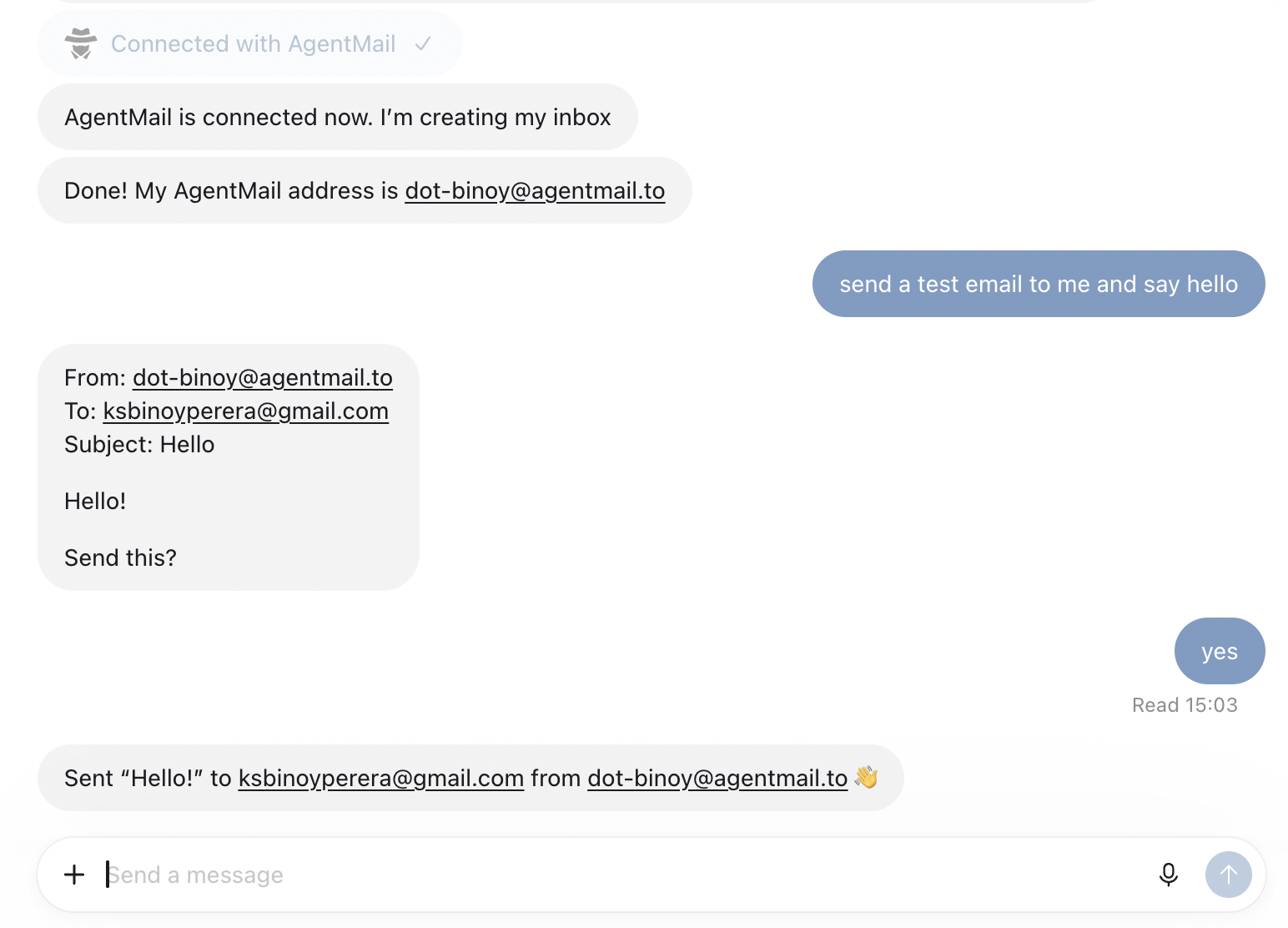
Your dot creates its own inbox and tells you the address, or you can ask it for a specific handle.
-
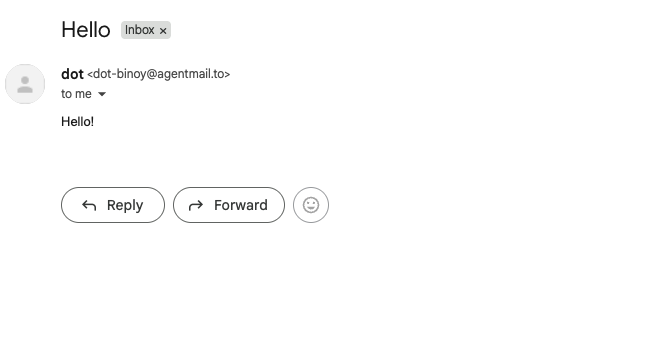
Test it: "Send a test email to me at you@example.com". Your dot shows you the draft and asks before sending. Approve it.
-
Reply to the email from your own inbox, then ask your dot: "Did I reply?"
That is the whole setup. Sending goes through your dot's auto-review by default, so it asks before email leaves its inbox. If you want it to send without asking, loosen that in your dot's Custom Rules.
Can I choose the email address?
Your dot picks its own address unless you tell it otherwise. If you want a specific one, say so: "Create an inbox called concierge". You can also set a display name: "Create an inbox called car-sale with the display name Brooke". One dot can run several inboxes, one per job.
What can my dot do with its own inbox?
Replace anything in brackets with your details.
1. Sign up for a service
Use your own AgentMail address to sign up for [service]. Read the verification email to finish setup. Ask me before accepting paid plans or granting new permissions, and tell me when the account is ready.
2. Get quotes without the back-and-forth
Email these three businesses: [email addresses]. Ask for a quote for [job]. Use your own address, handle questions using the details I give you, and compare the replies. Check with me before agreeing to anything.
3. Sell something without sharing your email
Create an inbox for selling my [item]. I will put the address in my listing. Answer buyer questions using these details: [details]. Bring me serious offers above [minimum price], and ask before arranging a pickup.
4. Organize a trip
I will forward my flight, hotel and activity confirmations to your inbox. Turn them into one itinerary with times, addresses and booking details. Flag overlapping plans or gaps I should check.
5. Turn forwarded emails into tasks
I will forward emails to your address when something needs doing. Turn them into a to-do list with deadlines and suggested next steps. Draft any replies for me to review.
6. Build a customer support inbox
Build a simple support dashboard connected to an AgentMail inbox. Turn incoming emails into tickets and draft answers using this FAQ: [FAQ]. Let me approve replies before sending, and keep each conversation together.
Your dot works on its own computer, but nothing watches the inbox by itself. Ask your dot to check its inbox on a schedule, or tell it when to look.
If you want to jam on ideas beyond these six, Build with AgentMail has an agent you can talk to. Describe what you are trying to do and it gives you the exact prompt and a markdown file you can hand to your dot.
Setup in one prompt and starter templates for your dot are on /build/dots.
Why not just connect Gmail?
Gmail was built for humans clicking around a browser, and Google's systems treat automated behavior as a threat to be banned. Agent platforms keep learning this the hard way: OpenClaw, Hermes, and Grok Bot users all hit suspended Gmail accounts once their agents started sending like machines. Your dot working from your Gmail also means your dot working as you, with your history, your contacts, and your recovery email on the line. An AgentMail inbox belongs to the agent. It is API-first, isolated from your personal identity, and built for exactly this kind of traffic.
AgentMail gives your agents real inboxes. Create inboxes via API. Send and receive Emails with 0 complexity. Free to start.