How do I give my Grok Bot an email address?
Install the AgentMail plugin from the Grok Bot plugin browser, then click Allow on the OAuth screen. Every bot on your account gets 24 email tools: create_inbox, send_message, list_messages, reply_to_message, and 20 more. Each bot then owns a real email address at yourworkspace.agentmail.to that it can send from, receive at, and reply within threads. Total setup time is about three minutes. AgentMail is an official Cursor plugin in Grok Bot, so there is no manual API key entry.
- AgentMail is an official Cursor plugin in Grok Bot. One-click install.
- OAuth authorization, no API key to paste. The authorization screen appears as Cursor. That is expected. Click Allow.
- 24 email tools per bot. Send, receive, reply, thread, forward, draft.
- Each Grok Bot gets its own address. No sharing your Gmail across the fleet.
- Same plugin works on Grok Build via
grok mcp add.
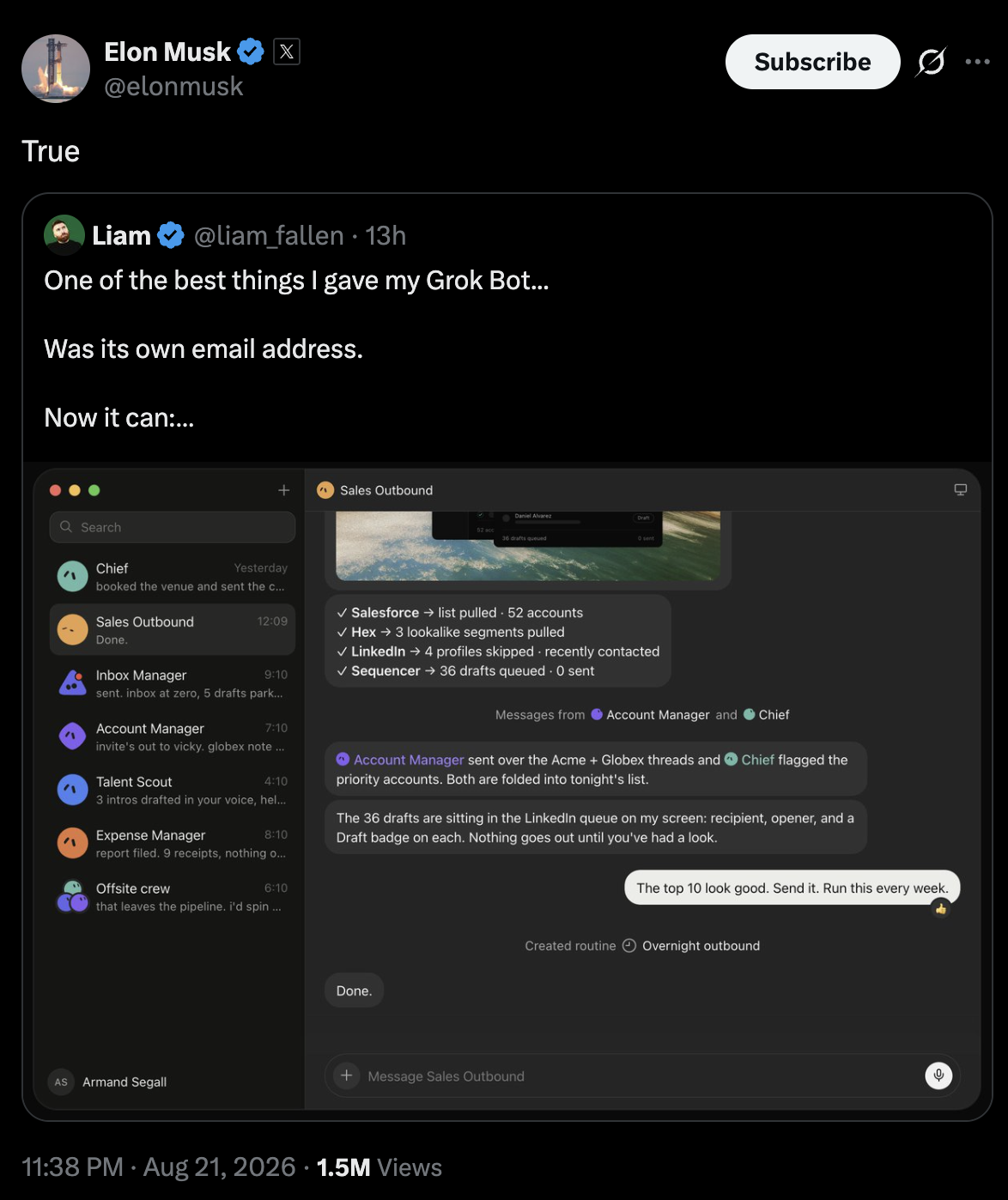
Give your Grok Bot an email address with AgentMail. Elon Musk himself agrees.
On this page
- Why give Grok Bot an email address?
- How do I install AgentMail on Grok Bot?
- What can my Grok Bot do with its own inbox?
- What are some example prompts?
- Why not just use the Gmail plugin?
- Does this work with Grok Build?
Why give Grok Bot an email address?
Grok Bot ships with a Gmail plugin, but that plugin points at your inbox. Your outreach bot, your support bot, and your ops bot all end up writing as you, from the same address, with no way to separate them. Your outreach bot spams a prospect, your Gmail gets flagged, and your personal mail stops delivering. One bot's mistake takes the whole fleet down with your real reputation.
An address the bot owns fixes the shape. Each inbox is a real address with its own suppressions, its own sending reputation, and its own thread history. A bot can sign up for services in its own name, because the verification code lands somewhere that belongs to it. People can email the bot directly and it replies inside the same thread. A flagged send scopes to one bot's address instead of your entire Gmail.
How do I install AgentMail on Grok Bot?
You need a Grok Bot account (SuperGrok Plus, SuperGrok Heavy, Cursor Pro+, Cursor Ultra, or Cursor Teams Standard or Premium) and an AgentMail account. AgentMail's free tier covers everything below.
1. Open Grok Bot. Go to Settings → Plugins. Search for AgentMail. Click Install.
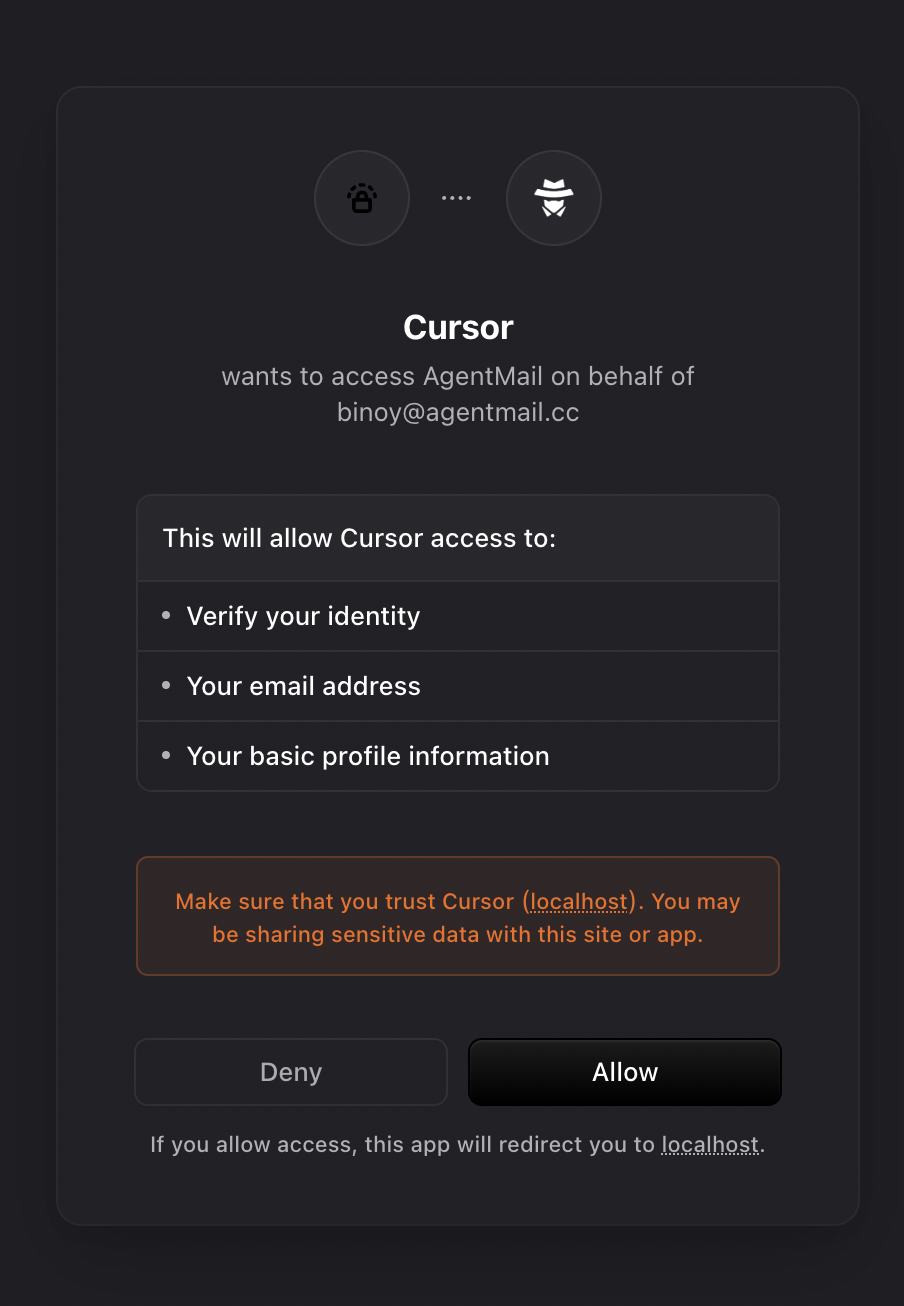
2. Approve the OAuth prompt. Your browser opens an AgentMail authorization screen. It appears as Cursor. That is expected, so click Allow. No API key to paste.
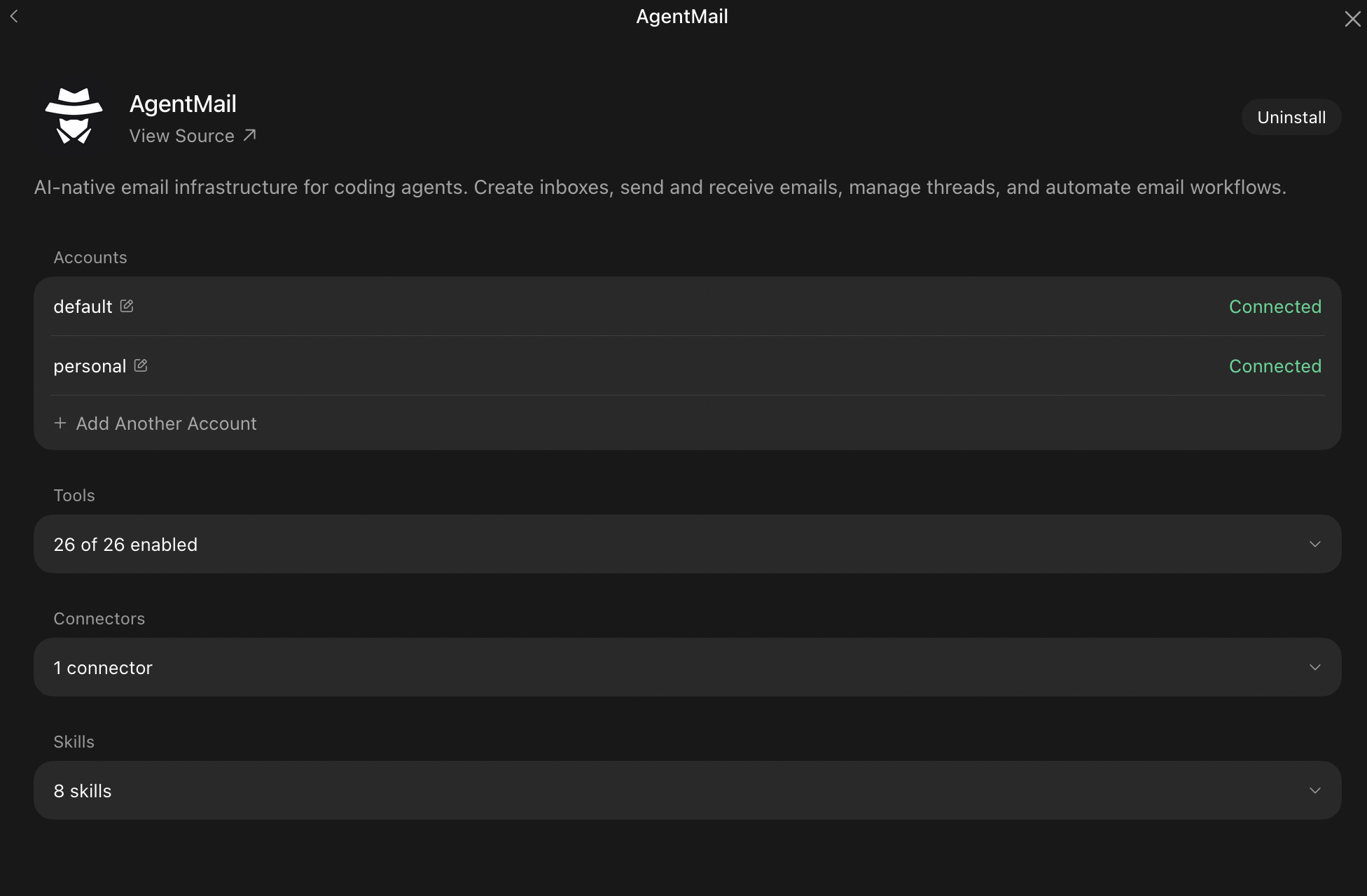
3. Check the connector card. 24 tools appear.
4. Create a bot with an email job. In the description, give it authority to run its own inbox. Example: "You are my outbound sales bot. Use AgentMail to create yourself an inbox called outreach. Send follow-ups from that inbox. Read replies daily."
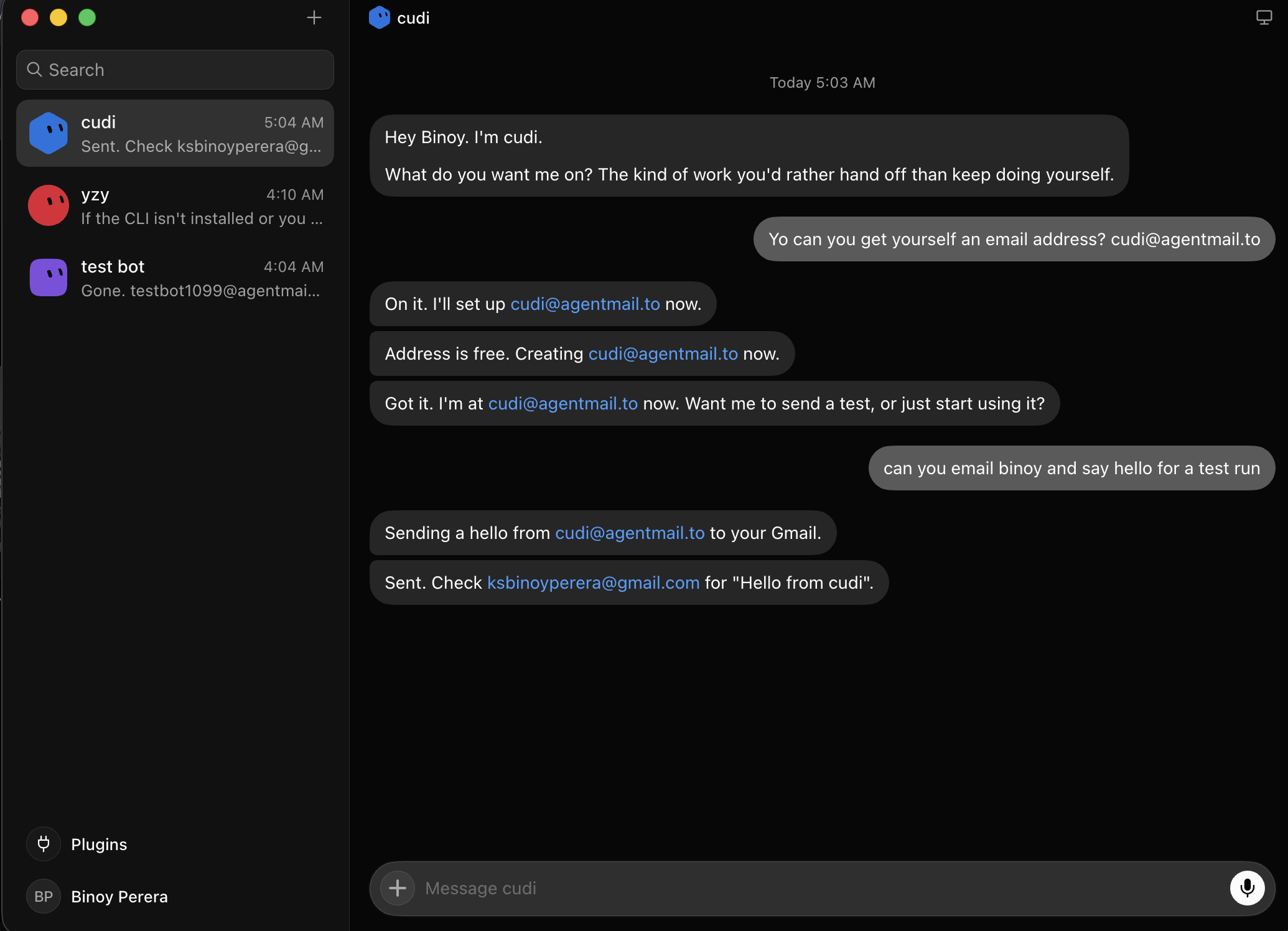
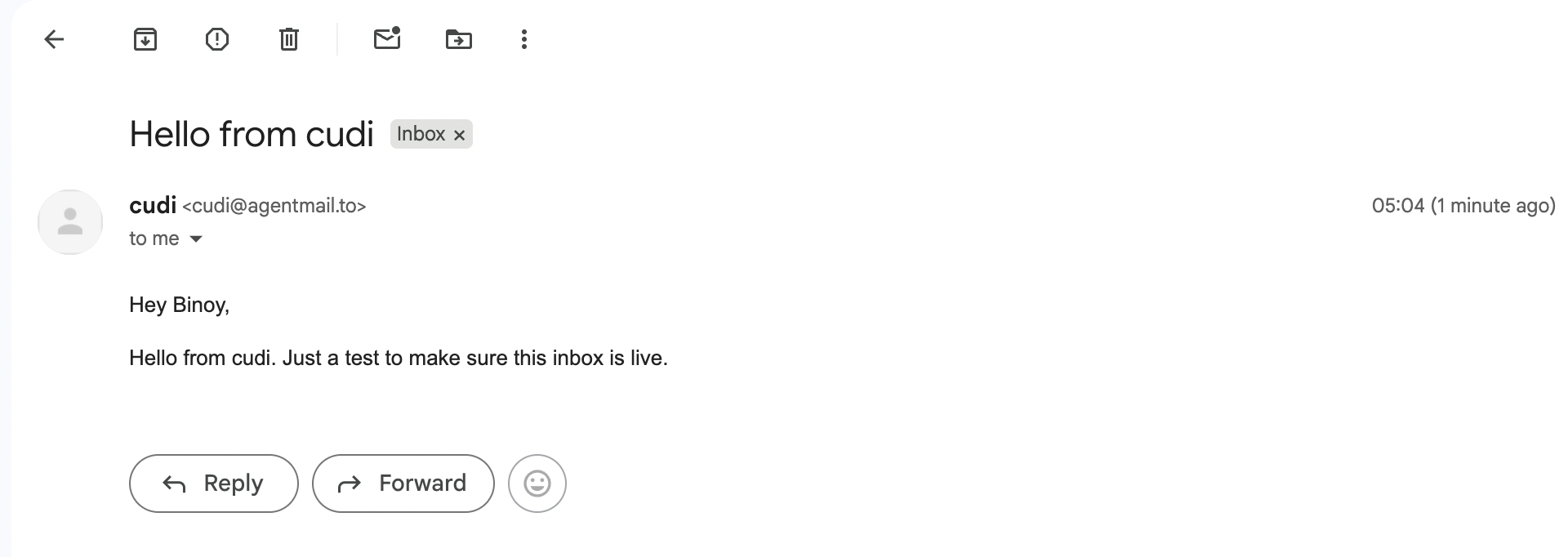
5. Try it. Ask the bot to email you at your real address. The mail lands. Reply from your inbox. Ask the bot to check. It reads your reply in the same thread.
What can my Grok Bot do with its own inbox?
Four things you cannot do with the built-in Gmail plugin.
Sign the bot up for its own accounts. Notion, Stripe, Vercel, anything with a signup form. The 2FA code lands in the bot's inbox. The bot reads it, pastes it, finishes signup. Nothing runs under your Google identity.
Run a real cold outreach loop. The bot sends from its own address, tracks each thread, drafts personalized replies. Your inbox stays clean. Deliverability does not compete with your personal mail. A flagged send scopes to one bot's address, not your entire Gmail.
Own a support inbox. help-desk@yourdomain belongs to the bot. It handles first-line replies, forwards the rest to a human. Same pattern as Zendesk AI at a fraction of the cost.
Put the bot in a group email thread. CC assistant@yourdomain on any thread. The bot reads the history, participates like a colleague, replies inside the thread. Atal Upadhyay wrote about this as the chief of staff move.
What are some example prompts?
Drop any of these into a bot after installing.
Sign up for accounts:
Sign up for a free Notion account using
notion-bot@my-workspace.agentmail.to. When the verification code arrives, read it and finish signup. Report the account details.
Cold outreach with reply handling:
From a new inbox called
outreach, send this pitch to every row inleads.csv. Personalize the greeting with the first_name column. When someone replies, draft a response and hold for my approval.
Auto-triage a founder inbox:
Create an inbox called
founder@. Every 10 minutes, list unread. Reply to anything you can answer. Forward anything about legal, money, or contracts to me. Label the rest aslater.
Meeting scheduler:
When someone emails
meet@my-workspace.agentmail.to, read the thread, check my Google Calendar, and reply with three 30-minute slots that work in their timezone.
Why not just use the Gmail plugin?
The Gmail plugin is fine if you have one bot doing personal errands on your inbox. The moment you have two bots, the model breaks.
Every bot uses the same connection. Outbound from your outreach bot and outbound from your support bot both look like they came from you. No bot can own an address, so no bot can sign up for services in its own name. If your Gmail gets flagged for something one bot did, your personal mail goes down with it. There is no per-account permission, so you cannot tell one bot to work with the client mailbox and another to stay out of it.
AgentMail was built for the opposite shape. Each inbox is a real address the bot owns. Each bot can have as many as it needs. Suppressions, reputations, and thread histories scope per inbox.
Does this work with Grok Build?
Yes. Same MCP server, one command:
grok mcp add --transport http agentmail https://mcp.agentmail.to/mcp --header "Authorization: Bearer YOUR_API_KEY"The Authorization: Bearer header is what Grok Build's MCP client expects. Same 24 tools in any Grok Build session. Tool names are prefixed on Grok Build (agentmail__create_inbox), otherwise identical.
Not using AgentMail yet? See our post on why Gmail is not safe for Grok Bot for the specific ban risks and comparison.
AgentMail is the first email provider built for AI agents. Create an inbox in one API call, send and receive email, no OAuth and no domain verification. Free tier, no credit card required.