The six best email APIs for developers in 2026 are AgentMail, Mailtrap, Resend, SendGrid, Mailgun, and Amazon SES. Each is strong in a different area: AgentMail for full inbox infrastructure and AI agents, Mailtrap for deliverability with built-in inbound, Resend for developer experience and React, SendGrid for enterprise volume, Mailgun for routing and validation, and Amazon SES for raw cost at scale.
This guide compares all six across sending, receiving, deliverability, developer experience, pricing, and AI agent support. By the end, you will know which provider fits your stack.
How We Evaluated
We assessed each API across six dimensions:
- Sending capabilities: SMTP, REST API, SDK support
- Receiving capabilities: Full inbox vs. webhook-only vs. none (This distinction matters: a full inbox stores messages, threads conversations, and lets agents query history. Webhook-only means each inbound message fires once to your endpoint with no persistent storage.)
- Deliverability: SPF, DKIM, DMARC handling
- Developer experience: Documentation, SDKs, error messages
- Pricing: Free tier, scaling costs, transparency
- Specialized features: AI integrations, semantic search, templates
Each provider is strong in different areas, so the best choice depends on what you need.
Let’s take a closer look at each provider.
1. AgentMail: Best for AI Agents
Website: agentmail.to
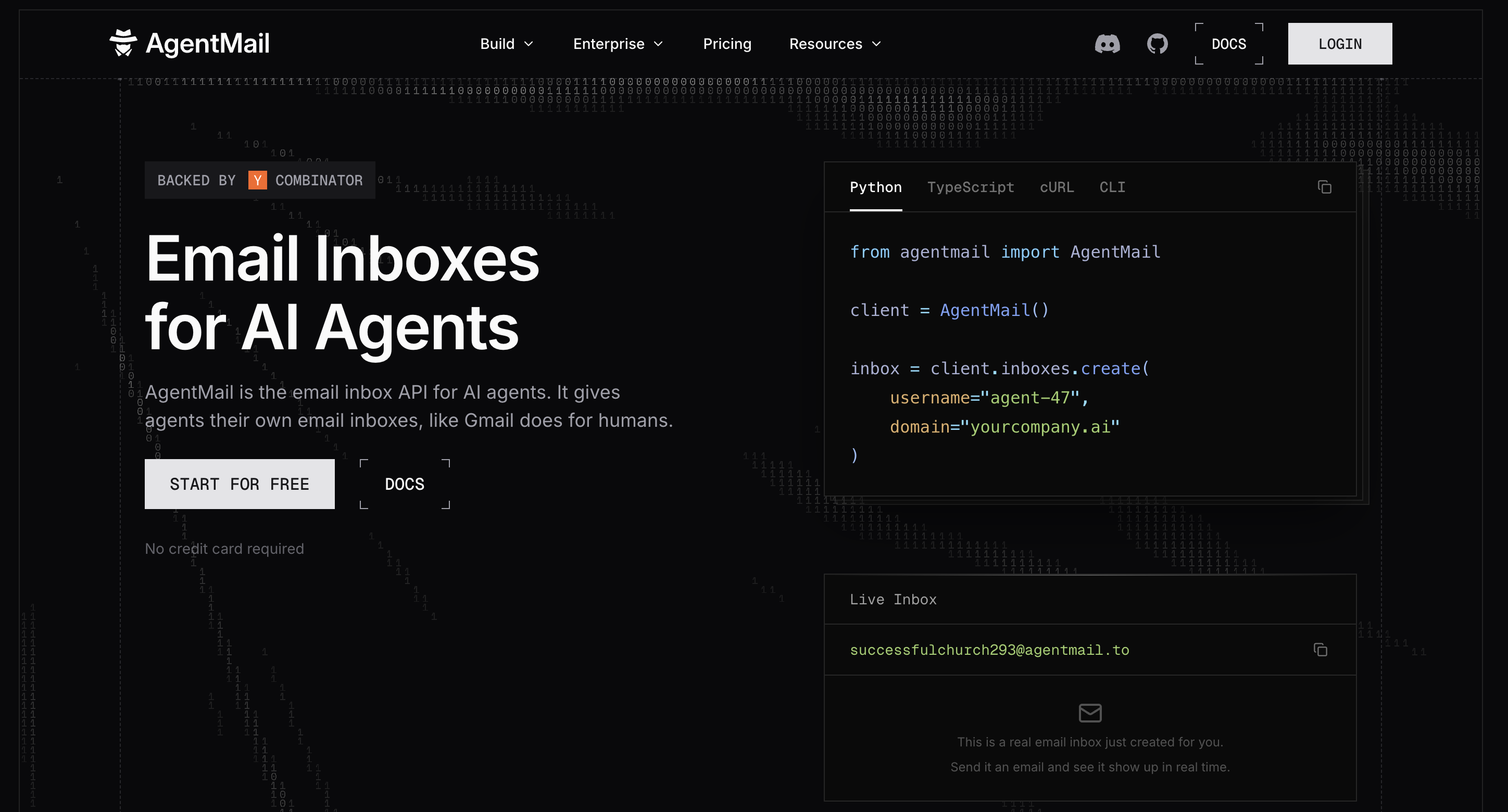
AgentMail is an email API designed for AI agents and automated workflows. Unlike traditional email APIs, AgentMail offers a full inbox setup, including programmatic inbox creation, sending, receiving, threading, parsing, filtering, labeling, and storage.
It works natively with any AI framework, including popular options like LangChain, LlamaIndex, and CrewAI.
Key Features
- Programmatic Inbox Creation: Create inboxes via API: no manual setup, no admin consoles.
- Two-Way Email: Send and receive capabilities with persistent message storage.
- Email Threading: Built-in threading via API with comprehensive Message-ID, In-Reply-To, and References email headers
- Metadata Labeling: String-based labels for organizing, categorizing, managing, and querying the state of your conversations.
- Intelligent Parsing: Automatic extraction of structured data from HTML and attachments.
- Event-driven architecture: Configurable webhooks and WebSockets for real-time email events
- Framework Integrations: Native support for LangChain, LlamaIndex, and CrewAI.
Developer Experience
AgentMail puts developer experience first, especially for teams working on AI agents and automation.
-
SDKs and Language Support
AgentMail offers official SDKs for Python and Node.js, with full TypeScript support. Both SDKs follow the API structure closely, making it easy to switch between languages. The Python SDK also integrates smoothly with AI frameworks like LangChain, LlamaIndex, and CrewAI.
-
Authentication
Authentication is simple: just use an API key. There’s no need for OAuth, token refresh, or complex permissions. You generate a key in the dashboard and can start right away. This is helpful for AI agents that need to work on their own without manual steps.
-
Documentation
AgentMail’s documentation is thorough, with code examples for every endpoint in both Python and Node.js. It covers common workflows from creating an inbox to sending emails and listing replies. There are also guides for AI-specific tasks, like setting up webhooks for agent notifications.
-
Time to First Email
You can go from signup to sending your first email in under three minutes. The onboarding process guides you through creating an inbox and sending a test message. You don’t need to verify your domain to start, but it’s recommended for production use.
-
Multitenant support
AgentMail offers a unique feature called “pods.” A pod groups inboxes and domains for a single customer, user, or agent. Everything in a pod is kept separate, so email data doesn’t mix with other pods. This makes it easy to run multi-tenant systems, giving each customer or agent their own email workspace.
-
Error Handling
AgentMail provides clear error messages with helpful suggestions. Instead of a generic “400 Bad Request,” you’ll see specific feedback like “inbox_id not found” or “domain not verified for sending.” Rate limit errors also tell you when to try again.
Here’s a quick integration video showing AgentMail in action:
Code Example
Creating an inbox, sending an email, and listing received messages:
Pricing
| Plan | Inboxes | Send Limits | Price |
|---|---|---|---|
| Free | 3 | 100/day; no separate 5-minute or monthly cap | Free |
| Developer | 10 | 100/5 min; 1,000/day; 10,000/month | $20/month |
| Startup | 150 | 1,500/5 min; 15,000/day; 150,000/month | $200/month |
| Enterprise | Custom | Custom | Custom |
Source: agentmail.to/pricing
Strengths
- Complete inbox infrastructure, not just sending.
- Programmatic inbox creation at scale
- AI-native features like semantic search
- Tiered scaling by inbox and send allowances
- Native AI framework integrations
Ideal For
- AI agent developers building autonomous systems
- Automation workflows requiring send + receive
- Applications needing programmatic inbox management
- Testing pipelines requiring isolated inboxes
AgentMail is the first email provider built for AI agents. Create an inbox in one API call, send and receive email, no OAuth and no domain verification. Free tier, no credit card required.
2. Mailtrap: Best for Deliverability with Built-in Inbound
Website: mailtrap.io
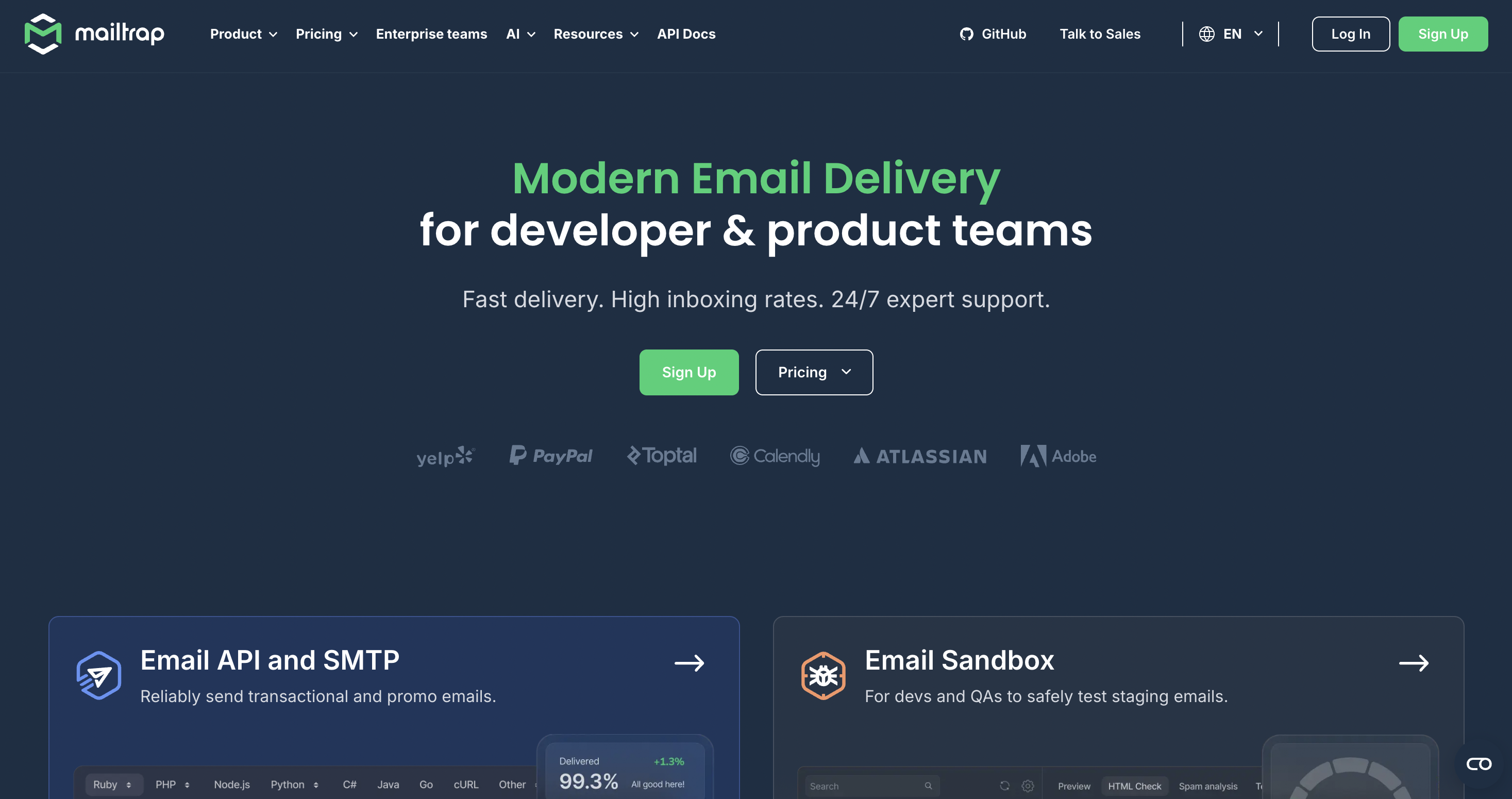
Mailtrap started in 2019 as an email testing sandbox and has expanded into a full email delivery platform with inbound capabilities. Outbound runs through separated transactional and bulk sending streams, each on independent IP pools. The platform recently added hosted inboxes for receiving, making it the only transactional API in this comparison that handles both directions without a separate provider.
Key Features
- Separated Sending Streams: Independent transactional and bulk IP pools protect deliverability.
- Hosted Inboxes: Create inboxes via API with no MX records required to start. Inbound messages deliver as parsed JSON over webhooks and are queryable via REST.
- Automatic DKIM Rotation: Monthly key rotation handled automatically.
- Per-Provider Analytics: Drill-down deliverability metrics by mailbox provider, domain, and stream.
- Dedicated IPs: Available from the Business tier ($85/month) with automatic warmup.
- Email Sandbox: Separate testing product for checking rendering and spam scoring before production.
- MCP Server, Skills, CLI: Agent-ready tooling across all plans.
Developer Experience
SDKs and Language Support
Official SDKs for Python, Ruby, PHP, Node.js, Java, .NET, and Elixir. The Python SDK is clean and follows the API structure closely. SMTP integration is also available with 25+ ready-to-use code snippets.
Authentication
API key-based. Straightforward setup, similar to Resend and Mailgun.
Documentation
Clear documentation with code examples per endpoint. Separate docs for the sandbox product, the sending API, and the newer inbound API. The inbound documentation is newer and thinner than the sending docs.
Time to First Email
Quick setup for sending. Inbound requires creating a hosted inbox via API and registering a webhook URL. No MX records or DNS needed to start on a Mailtrap-hosted address; custom domains require DNS configuration for production.
Error Handling
Standard HTTP status codes with JSON error messages. Rate limit responses include retry headers.
Code Example
Sending a transactional email:
import mailtrap as mt

client = mt.MailtrapClient(token="YOUR_API_TOKEN")

mail = mt.Mail(
    sender=mt.Address(email="agent@yourdomain.com", name="My Agent"),
    to=[mt.Address(email="user@example.com")],
    subject="Your order is confirmed",
    text="Order #1234 has been placed successfully.",
)

client.send(mail)
Pricing
| Plan | Emails/Month | Price |
|---|---|---|
| Free | 4,000 (shared send/receive, 150/day cap) | $0 |
| Basic | 10,000 | From $15/month |
| Business | 100,000 + dedicated IP | From $85/month |
| Enterprise | 1,500,000 | From $750/month |
Source: mailtrap.io/pricing
The free tier volume is shared across inbound and outbound. Log retention: 3 days on Free, 5 days on Basic, 15 days on Business, 30 days on Enterprise.
Strengths
- Send and receive through one platform without a second provider
- Per-provider deliverability analytics with drill-down by domain and stream
- Dedicated IPs with automatic warmup from the Business tier
- Automatic monthly DKIM rotation
- MCP server, Skills files, and CLI for agent workflows
- SOC 2 Type II, SOC 3, ISO 27001 compliance across all plans
Considerations
- Inbound messages expose in_reply_to and references headers, but threading is not automatic. Grouping replies into conversations is the developer's responsibility. For agents that need persistent threaded conversations, AgentMail provides automatic threading with no build required.
- Account creation requires a human step, so an agent cannot complete signup on its own.
- Log retention is short on lower tiers (3 days on Free, 5 on Basic), which limits how far back an agent can query.
- No multi-tenant isolation primitive (no equivalent to AgentMail's Pods).
Ideal For
- Teams that need reliable sending with occasional inbound, without adding a second provider
- Agents sending notifications, confirmations, and alerts where inbox placement matters most
- Developers who want to test rendering and spam scoring in the sandbox before production
3. Resend
Website: resend.com

Resend is a newer email API provider that started in 2023. It offers a simple API for sending transactional emails. The company also built React Email, an open-source library for creating emails with React components.
Key Features
- React Email Integration: Build emails using React components.
- Clean API Design: Straightforward endpoints with minimal configuration.
- Regional Sending: Choose between US and EU data centers.
- Webhooks: Real-time notifications for email events.
- Inbound Email: Receive emails via webhooks (added in 2025).
Developer Experience
-
SDKs and Language Support
Resend has official SDKs for Node.js, Python, Ruby, Go, Elixir, and PHP. The Node.js SDK is the most developed, since Resend focuses on the React ecosystem. The other SDKs handle the basics but might not have the latest features right away.
-
Authentication
Authentication uses a single API key and is easy to set up. However, lower pricing tiers don’t include scoped permissions or team-based access controls.
-
Documentation
The documentation is clear and focused, helping you get started quickly. The API reference includes examples for every endpoint. Resend also keeps separate docs for React Email templates.
-
Time to First Email
Setup is quick, and you can send your first email just minutes after signing up. You’ll need to verify your domain for production use.
-
Error Messages
Error responses are clear and concise, using standard HTTP status codes and JSON error messages.
Code Example
Sending a transactional email:
import { Resend } from 'resend';

const resend = new Resend('re_123456789');

await resend.emails.send({
  from: 'onboarding@yourdomain.com',
  to: 'user@example.com',
  subject: 'Welcome!',
  html: '<p>Thanks for signing up!</p>'
});
Pricing
| Plan | Emails/Month | Price |
|---|---|---|
| Free | 3,000 | $0 |
| Pro | 50,000 | $20/month |
| Enterprise | Custom | Custom |
Source: resend.com/pricing
Strengths
- Excellent developer experience
- React Email for component-based templates.
- Generous free tier
- Clean, modern documentation
- Inbound email support via webhooks
Considerations
- Inbound email works through webhooks, not a persistent inbox. If you need storage and threading, you may want to look at other providers.
- Fewer enterprise features than SendGrid
Ideal For
- React and Next.js developers
- Primarily sending use cases where receiving is secondary
4. SendGrid
Website: sendgrid.com
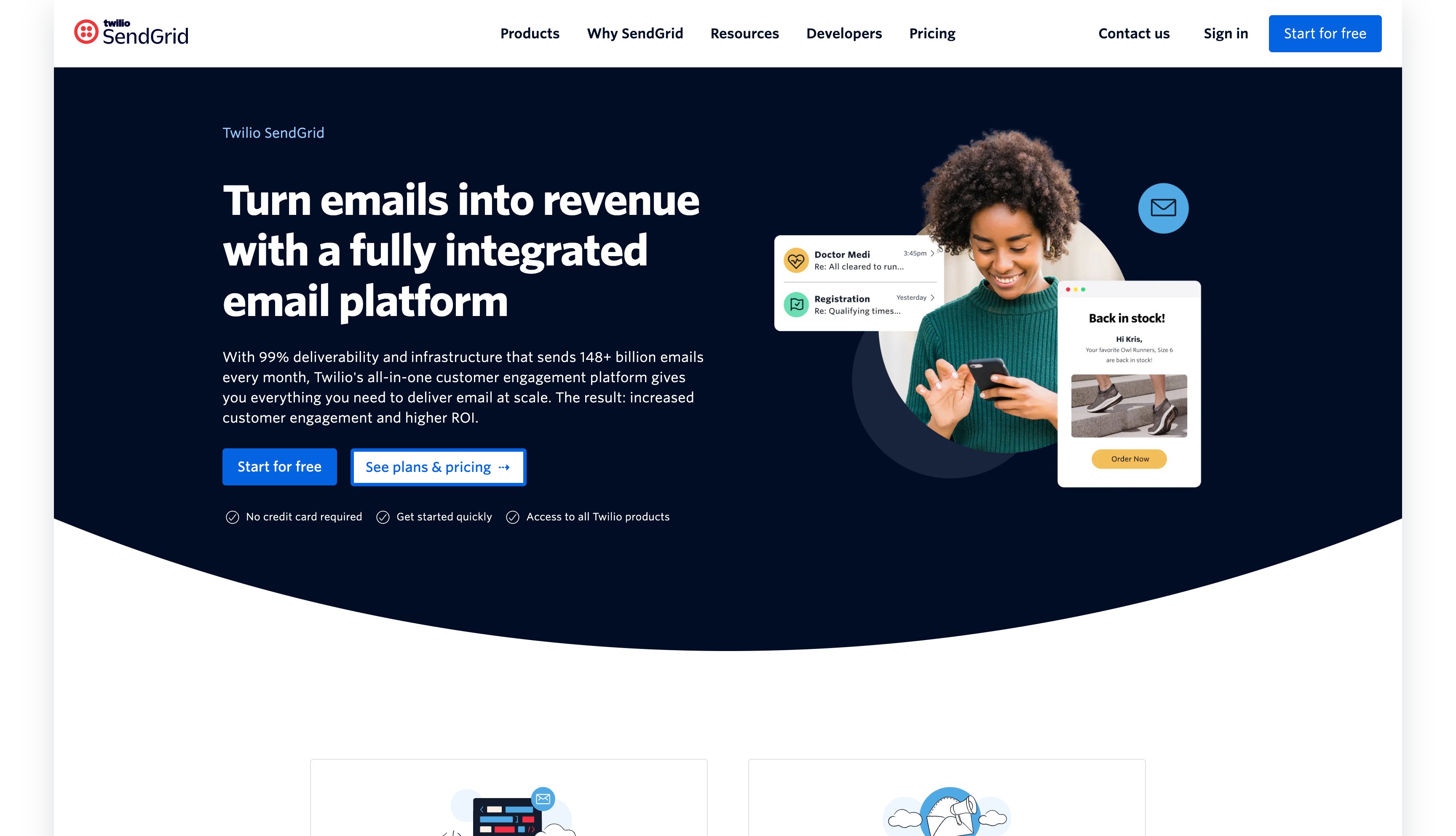
SendGrid has been around since 2009 and was acquired by Twilio in 2019. It supports both transactional and marketing emails, making it a popular choice for companies that want both in one platform.
SendGrid is built to handle large volumes. For receiving emails, it uses Inbound Parse, which sends a webhook to your endpoint but doesn’t offer persistent storage or threading.
Key Features
- SMTP and REST API: Multiple integration options.
- Marketing Campaigns: Built-in tools for email marketing.
- Advanced Analytics: Deliverability insights, engagement metrics.
- Inbound Parse: Receive emails via webhook (stateless).
- IP Warm-up: Automated reputation building.
- Subuser Management: Granular permissions for teams.
Developer Experience
-
SDKs
Official libraries for C#, Go, Java, Node.js, PHP, Python, and Ruby. The SDKs are mature and well-maintained, reflecting over a decade of iteration.
-
Authentication
API key-based authentication. SendGrid supports scoped API keys, which let you limit permissions for different keys. Two-factor authentication is available for account access.
-
Documentation
The documentation covers all features, but it can feel scattered. Some sections are outdated, and switching between old and new APIs can be confusing. However, the knowledge base is large and helpful for troubleshooting.
-
Time to First Email
It usually takes 10 to 15 minutes to send your first email, since there are more setup steps than with newer providers. You’ll need to verify your sender and authenticate your domain for production.
-
Error Messages
SendGrid gives detailed error responses with specific codes. Sometimes, you’ll need to check the documentation to figure out the cause and how to fix it.
Code Example
Sending an email using the Python SDK:
from sendgrid import SendGridAPIClient
from sendgrid.helpers.mail import Mail

sg = SendGridAPIClient(api_key='SG.xxx')

message = Mail(
    from_email='sender@example.com',
    to_emails='recipient@example.com',
    subject='Hello from SendGrid',
    html_content='<p>Email content here</p>'
)

response = sg.send(message)
print(response.status_code)
Pricing
| Plan | Emails/Month | Price |
|---|---|---|
| Free Trial | 100/day (60 days) | $0 |
| Essentials | 50,000 | $19.95/month |
| Pro | 100,000 | $89.95/month |
Source: sendgrid.com/pricing
SendGrid replaced its permanent free tier with a 60-day trial in 2025. After the trial, paid plans start at Essentials ($19.95/month).
Strengths
- Comprehensive feature set
- Strong documentation and SDKs
- Twilio ecosystem integration
- Dedicated IP options
Considerations
- Inbound Parse is stateless, so there’s no persistent inbox or threading. If you need conversation history for AI agents or automation, you’ll want a provider with a full inbox setup.
- Pricing can be complex with add-ons.
- Some users report variable support quality (Source: Trustpilot)
Ideal For
- Enterprise companies with high-volume needs
- Organizations needing both marketing and transactional email
- Teams already using Twilio services
- Primarily outbound use cases
5. Mailgun
Website: mailgun.com
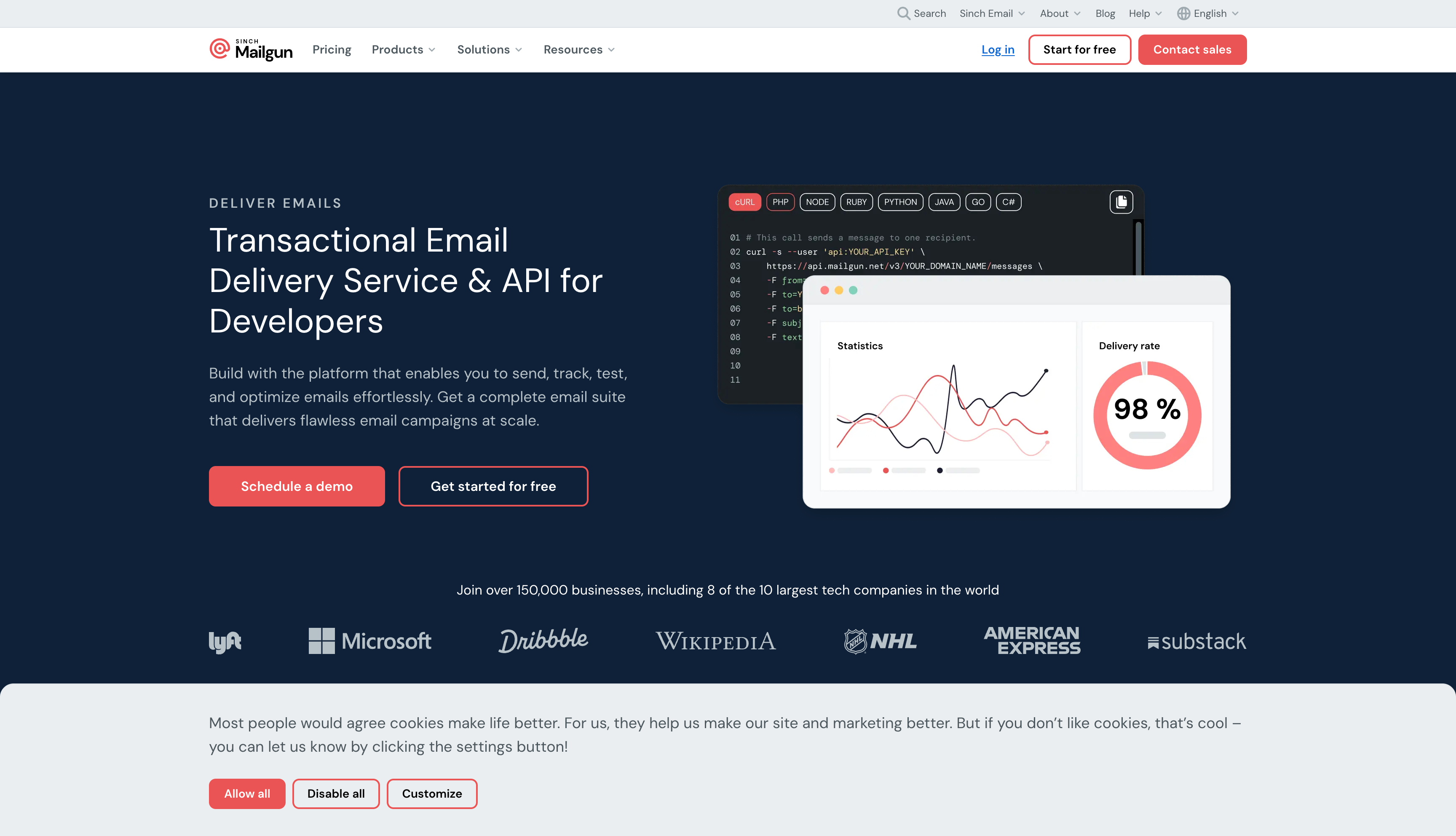
Mailgun was founded in 2010 and acquired by Sinch in 2021. It’s aimed at developers who want detailed control over their email setup, offering in-depth logging, flexible routing, and a built-in email validation API.
Mailgun lets you send and receive emails, but inbound processing uses webhooks and doesn’t include persistent storage. Many developers choose Mailgun for its routing engine, which supports complex rules for handling incoming messages.
Key Features
- Email Validation API: Verify email addresses before sending.
- Detailed Logs: Track every email event with configurable retention.
- Routing Rules: Complex logic for handling inbound email.
- Inbound Routing: Receive emails via webhook.
- Multiple SDKs: Python, Go, Node.js, PHP, Java, Ruby.
Developer Experience
-
SDKs
Official libraries for Python, Go, Node.js, PHP, Java, and Ruby. The SDKs wrap the REST API and handle authentication, retries, and response parsing. The Python SDK is particularly popular and well-maintained. You can use the REST API directly with any HTTP client, which many developers prefer for simpler integrations.
-
Authentication
API key via HTTP Basic Auth. Your API key serves as the password with “api” as the username. This approach works with any HTTP library without needing a dedicated SDK. Mailgun also supports domain-specific API keys, so you can isolate credentials per sending domain.
-
Documentation
Well-documented with code examples in multiple programming languages. The API reference covers all endpoints with request/response samples. Some sections reference older patterns, but the core documentation is reliable. Mailgun also provides guides for everyday use cases, such as transactional emails, inbound routing, and email validation.
-
Time to First Email
Expect 10-15 minutes to send your first email. Domain verification is mandatory, which involves adding DNS records (SPF, DKIM, and MX for receiving). Mailgun provides a sandbox domain for testing, so you can send to authorized recipients immediately while setting up your production domain.
-
Error Messages
Clear error responses with specific codes and messages. The API returns JSON containing a message field that explains what went wrong. Rate limit errors include headers indicating when you can retry. Validation errors identify the problematic field, making debugging straightforward.
Code Example
Sending an email using the REST API:
import requests

response = requests.post(
    "https://api.mailgun.net/v3/YOUR_DOMAIN/messages",
    auth=("api", "YOUR_API_KEY"),
    data={
        "from": "sender@yourdomain.com",
        "to": "recipient@example.com",
        "subject": "Hello from Mailgun",
        "text": "Email content here"
    }
)
Pricing
| Plan | Emails/Month | Price |
|---|---|---|
| Trial | 5,000 total | $0 |
| Foundation | 50,000 | $35/month |
| Scale | 100,000 | $90/month |
Source: mailgun.com/pricing
Strengths
- Email validation API included
- Flexible routing and rules engine
- Strong deliverability track record
- Detailed event logs
- Good documentation
Considerations
- Inbound email is a webhook posted to your endpoint.
- Pricing increased in recent years.
- Log retention varies by plan.
- Some users report slower response times from support.
Ideal For
- Teams needing email validation
- Complex routing requirements
- Developers wanting granular control over email infrastructure
- Use cases where validation is as important as delivery
6. Amazon SES
Website: aws.amazon.com/ses
Amazon Simple Email Service (SES) launched in 2011 as part of the AWS ecosystem. It handles email sending and receiving at scale, integrating directly with other AWS services like S3, Lambda, and SNS.
The platform operates on a pay-as-you-go model with some of the lowest per-email costs in the industry. However, receiving email requires additional AWS infrastructure setup, and there is no persistent inbox or threading built in.
Key Features
- SMTP and API: Send via REST API or SMTP relay.
- Email Receiving: Process incoming emails via receipt rules.
- AWS Integration: Store emails in S3, trigger Lambda functions, publish to SNS.
- Virtual Deliverability Manager: Insights and recommendations for email performance.
- Reputation Dashboard: Track bounce and complaint rates.
- Configuration Sets: Group sending settings and track metrics per set.
Developer Experience
-
SDKs
AWS offers SDKs for Python (Boto3), JavaScript, Java, .NET, Go, Ruby, PHP, and more. These SDKs are part of the larger AWS ecosystem, so if you already use AWS, the patterns will be familiar. They handle authentication, retries, and errors in a consistent way across all AWS services.
-
Authentication
SES uses IAM-based authentication with AWS access keys or IAM roles. This is more complex than using a simple API key, but it gives you detailed control over permissions. You can limit access to certain SES actions with IAM policies. For apps on EC2 or Lambda, IAM roles mean you don’t have to manage credentials yourself.
-
Documentation
The documentation is thorough but spread across several AWS sites. The SES Developer Guide explains concepts and setup, while SDK docs are separate. This can be overwhelming if you’re new to AWS. There are also code examples in the SDK docs and on GitHub.
-
Time to First Email
If you’re new to AWS, setup takes about 30 to 60 minutes. New accounts start in sandbox mode, so you can only send to verified addresses. To go live, you need to request approval from AWS, which can take 24 to 48 hours. You’ll also need to set up DNS records for domain verification (DKIM, SPF). If you already use AWS, setup is faster because IAM handles authentication.
-
Error Messages
SES returns standard AWS error codes and messages. The SDK shows exceptions with specific error types, like MessageRejected or ConfigurationSetDoesNotExist. CloudWatch integration gives you detailed logs and metrics to help troubleshoot deliverability problems.
Code Example
Sending an email using the AWS SDK for Python (Boto3):
import boto3

client = boto3.client('ses', region_name='us-east-1')

response = client.send_email(
    Source='sender@yourdomain.com',
    Destination={
        'ToAddresses': ['recipient@example.com']
    },
    Message={
        'Subject': {'Data': 'Hello from Amazon SES'},
        'Body': {
            'Text': {'Data': 'Email content here'},
            'Html': {'Data': '<p>Email content here</p>'}
        }
    }
)
print(response['MessageId'])
Pricing
| Usage | Price |
|---|---|
| Per 1,000 emails sent | $0.10 |
| Per 1,000 emails received | $0.10 |
| Per GB of attachments | $0.12 |
| From EC2 | First 62,000/month free |
Source: aws.amazon.com/ses/pricing
Strengths
- Lowest cost per email at scale
- Deep AWS system integration
- Highly reliable infrastructure
- Flexible receiving with Lambda triggers
- No monthly minimums
Considerations
- Sandbox mode limits new accounts until they are approved.
- Setup is more complex than standalone email APIs
- Receiving requires additional AWS infrastructure (S3, Lambda, SNS)
- SES doesn’t have a persistent inbox or threading. If your AI agents need conversation history and semantic search, AgentMail offers a full inbox setup without AWS’s added complexity.
- IAM learning curve for teams new to AWS
Ideal For
- Teams already using AWS infrastructure
- High-volume senders seeking cost-effectiveness
- Applications needing Lambda-triggered email processing
- Developers comfortable with AWS patterns
Picking the Right Email API
The best email API for you depends on what you’re building. Here’s how to approach the decision.
First, ask yourself: Do you need to receive email?
If you just need to send transactional emails like password resets, receipts, or notifications, most providers here will work. Choose based on developer experience and pricing.
If you need to receive and process incoming emails, your choices are more limited. SendGrid, Resend, Mailgun, and Amazon SES let you receive emails through webhooks, but you’ll have to handle storage, threading, and search yourself. AgentMail, on the other hand, provides a full inbox setup with storage, automatic threading, and semantic search built in.
Choose the provider that best fits your architecture.
AgentMail: Building AI agents, automation workflows, or anything that needs programmatic inbox creation and two-way email. You want email infrastructure to be API-first and out of the box for everything, including storage, threading, parsing, and search, so that you can focus on your application logic.
Mailtrap: Deliverability is the priority, you also need to receive and process inbound email, and you want both in one platform. Good for agents whose primary job is sending but that occasionally need to read replies or parse incoming messages.
Resend: Developer experience matters most. You’re building with modern frameworks (React, Next.js) and want a clean API with minimal friction. Sending is your primary use case.
SendGrid: Enterprise scale with proven reliability. You need both marketing and transactional email in one platform, or you’re already in the Twilio ecosystem and want unified billing.
Mailgun: Granular control over email infrastructure. You need email validation, complex routing rules, or detailed logs. You prefer flexibility and don’t mind more configuration.
Amazon SES: You're running on AWS and want the lowest cost per email. You're comfortable with IAM, Lambda, and managing your own storage with S3. Setup complexity is acceptable for the cost savings.
What really sets providers apart
It comes down to what you need: Can you receive emails? Search past messages? Create inboxes with code? Keep conversations threaded for automation? Mailtrap bridges sending and receiving in one platform, but automatic threading and persistent multi-tenant isolation still require AgentMail.
If your app uses email just for notifications, most providers here will do the job. But if email is central to your product, customer support, AI agents, or workflow automation, you’ll need infrastructure that covers the entire email lifecycle.
AgentMail is the first email provider built for AI agents. Create an inbox in one API call, send and receive email, no OAuth and no domain verification. Free tier, no credit card required.